
When an add-on is enough
Sites rarely fail as a whole. One thing fails: listings are retyped by hand from another system, a filterable listing is missing, or staff do the same job every week because the site cannot. A brief like that does not need a new build. An add-on, or plugin, hooks into the site, is set up in the admin and does exactly the one thing that is missing.
An add-on makes sense when most of these hold:
- The site works as a whole. Customers find their way around, you edit the content yourselves and the look fits the brand.
- One specific feature is missing. You can describe it in one sentence: “Listings from our agency software should appear on the site”, “customers should be able to book a slot”.
- The data is in order. Pages, products or listings have a clear structure the add-on can connect to.
- The installation is maintained. WordPress and the other plugins are updated regularly and the site does not run on years-old versions.
- The feature works with the platform, not against it. An add-on that bypasses how WordPress works breaks with the first update. We do not take on that kind of work.
Before we write anything, though, we check whether a similar add-on already exists. If a ready-made plugin does what you need, we recommend it and help you set it up. Custom development does not pay off then.
When it is time for a new site
The opposite signs tend to be just as clear. A new site starts to make sense when:
- The site is at the end of its life. On very old installations an add-on props up something that will be rebuilt anyway.
- Not one feature is missing, but five. When several add-ons are needed, a new site tends to cost less than a series of separate changes.
- The problem is the structure. The content is put together so that nothing can connect to it, and every new feature would start with a clean-up.
- The site fits neither the brand nor the content. An add-on will not fix that, because it is not a missing feature.
- Every update is a gamble. Plugins overwrite each other and nobody knows any more what depends on what.
A new site does not have to mean throwing everything away. Content, addresses and some of the data can be carried over. What an add-on can still handle in an e-shop, and what it cannot, we cover in When WooCommerce is enough and when it is not.
The risk of stacking third-party plugins
The usual road to a “broken site” does not run through one bad plugin, but through ten sensible ones that nobody ever tested together. Each solves a piece, each has its own settings and its own updates. The missing part between them is then made up by someone by hand.
- Overlap. Two plugins touch the same thing, such as the basket or a form, and the result depends on which one loads later.
- Updates in the wrong order. A new version of one plugin expects a new version of another. Without testing away from the live site, you hear about it from customers.
- Abandoned plugins. The author stops developing a plugin and the site is left depending on code nobody maintains.
- Paid licences. Annual fees for several premium plugins add up and are never visible in one place.
- Speed. Each plugin adds its own scripts and database queries, even on pages where nobody needs it.
That is not a case against ready-made plugins. For common things such as forms, backups or links to carriers they are usually the best choice. The line comes where three plugins and some manual work are stacked up for one feature. At that point one custom add-on tends to be easier to follow than the combination.
The most expensive feature is often the one that a few plugins plus manual work only half solve.
What a custom add-on involves
A custom add-on is not a one-off you install and forget. It runs inside a site that keeps changing, and that needs to be planned for from the start.
Compatibility
The add-on has to fit how the site is built: the theme, the fields that hold the data and the other plugins. That is why we start by checking what the platform and the connected services allow. If the road is a dead end, it is better to find out now than after weeks of development.
A staging site and a way back
We develop the add-on on a test site, known as staging. You try it before it touches your operation. Just as important is knowing how to roll back if something goes wrong after deployment: usually a backup before release and the option to switch the add-on off without the site breaking.
Updates and maintenance
WordPress, PHP and the other plugins all get new versions. On sites we look after, we watch add-ons through platform updates and check that nothing stops working after a new version. When the platform changes its behaviour, we adjust the add-on. This work does not show up on the first invoice, but it is part of running the site.
What it costs and what the price leaves out
| Scope | Example | Price from |
|---|---|---|
| One feature | A form, a listing, an export, a change in the cart | 18,000 CZK |
| A link to another system | Pulling data from an external service and keeping it current | 39,000 CZK |
| A module for the operation | Bookings, accounts, approvals | 45,000 CZK |
You pay for developing the add-on by its scope, with no automatic subscription, if that is what we agree in the offer. That does not mean it costs nothing after launch. Hosting, site maintenance, updates and third-party licences are handled separately and belong in the budget just like development. Who owns the add-on and what we hand over is settled up front: access, documentation and the scope of the source code handover are settled in the offer and the contract before work starts.
Two examples from our work
Spolu v realitách: listings without retyping
The agents at Spolu v realitách work in POSKI REAL, but the website runs on WordPress. So every listing was entered twice, photos were uploaded again and sold properties were often left with the wrong status. Yet the site worked, and nobody wanted to change how it looked.
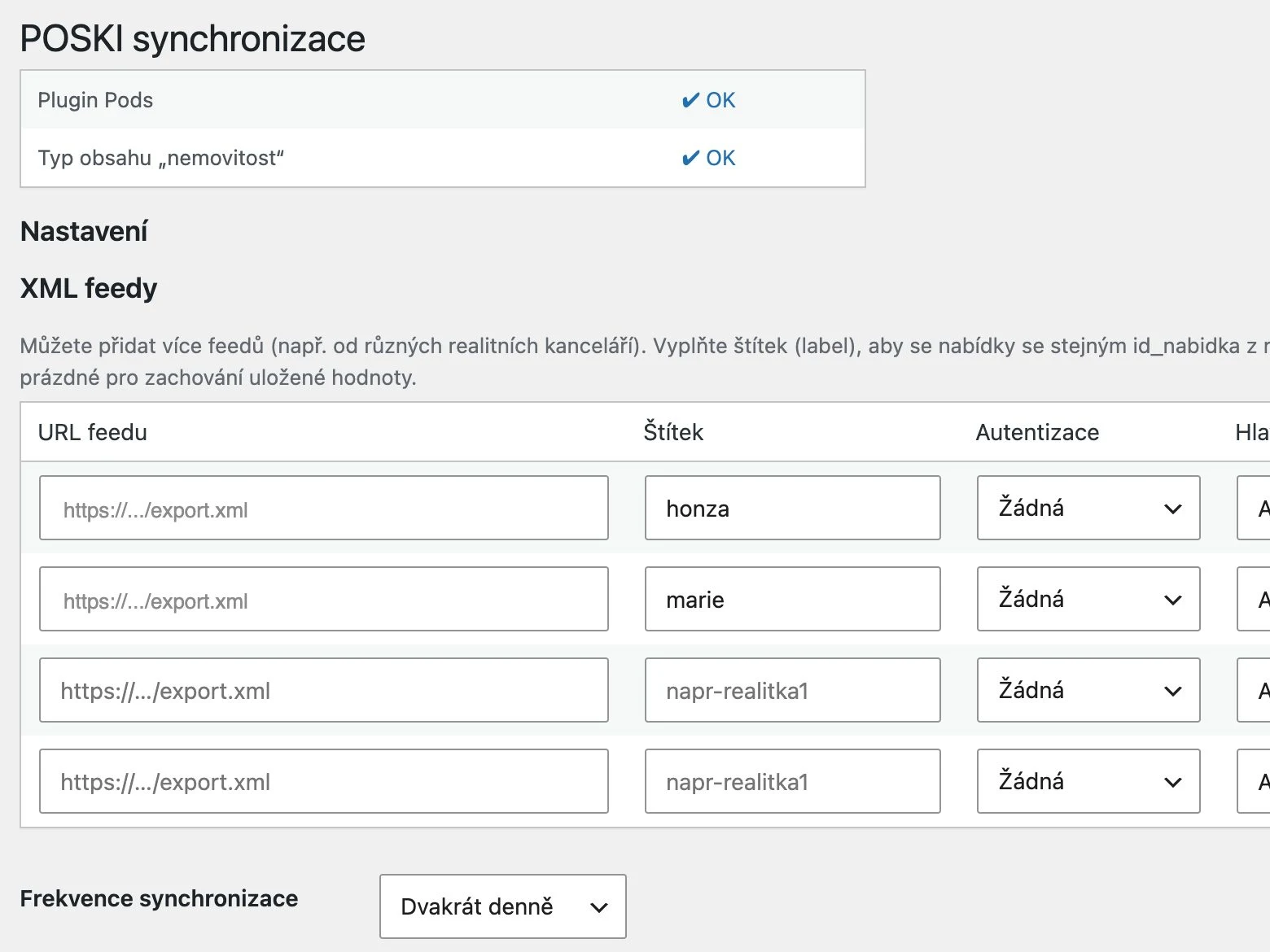
So we wrote an add-on that fetches the POSKI export on its own and matches listings by their ID, so a rewritten title on the site does not create a duplicate. The data is mapped into the fields the site was already built on, so the templates did not have to change. The add-on can be switched off and the site keeps working. Two fields, the floor plan and the energy performance certificate, are still filled in by the agent, because the export gives no direct link to those files. We describe it in detail in Importing property listings from a portal to your website.

Art of Život: the platform stayed, an add-on joined it
At Art of Život there was no existing site; we started from zero. The decision was similar, though: WooCommerce carries the catalogue and orders, and a custom add-on adds the marketplace for several sellers. We went through the ready-made marketplace plugins and none of them handled the commission and payout model Art of Život runs on.
The stacking rule applies here too: we are building the marketplace as a thin core and separate add-ons, not as one big plugin. The project is before launch and the core runs in a test environment.
How to decide
Write down in one sentence what the site is missing. If you can, and the rest of the site suits you, you are most likely looking at an add-on. If the sentence falls apart into a list, or more than one thing bothers you about the site, a new site is worth considering. For both options, count the running costs after launch, not just the price of development.
The calculator gives you an indicative scope. More on how we build add-ons is on the Plugins and extensions page. If you are not sure, let’s talk it through in a 30-minute consultation and we will tell you whether you need us at all.