
Integrations and automation
We connect the systems you retype data between today. We set the transfer rules, handle the error states and give you an overview of what happened on every run.

Work that repeats should be done by the system
In many companies there is a person who every morning copies data from one system into another. Orders into invoicing, contacts into CRM, listings onto the website. It works while there is little of it and while that person is at work.
An integration takes that transfer over by rules we agree together. Automation adds the steps that follow: a confirmation, an alert, a task for a colleague.
First, though, we work out whether it pays off. For work that takes an hour a year it does not, and we will say so.
What automation brings you
Data in one place
Orders, contacts or listings pass between systems on their own. Nobody retypes them a second time.
Fewer errors from retyping
Manual transfer is the most common source of a typo in a price or an address. A transfer by rules does not get tired.
Work that runs at night
Scheduled jobs run at an hour that disturbs nobody. In the morning it is done.
You can see what happened
Every run has a log. When something fails, you know what and why, not just that it did not work.
Errors handled
Depending on what the connected systems allow, we set up retries, logging and alerts on error.
It grows with you
Adding another tool is usually a change, not a new project. We build connections so they can be extended.
Connections that are running
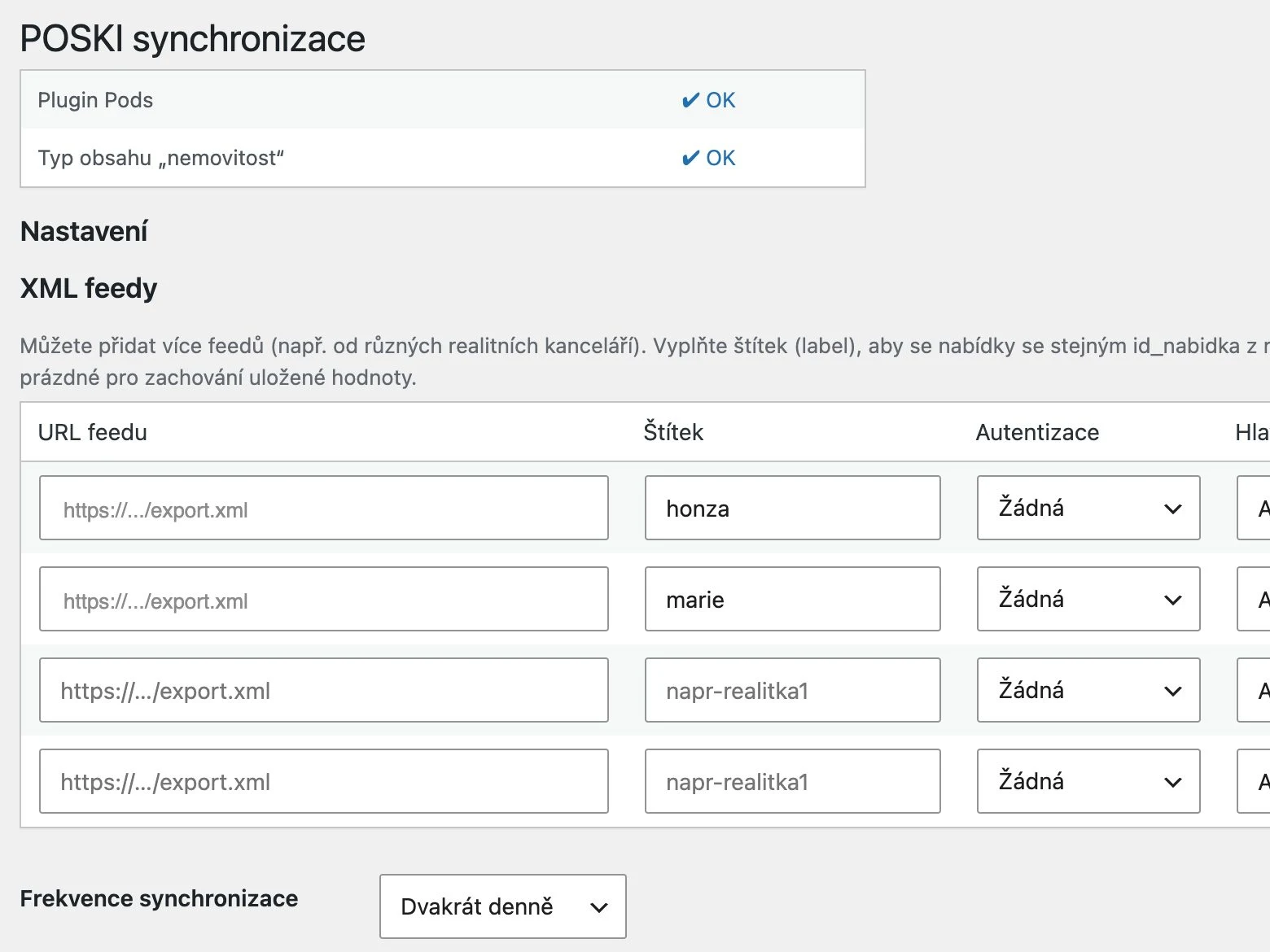
 Spolu v realitách: listings on the website without retypingProperties, photos and code lists update themselves from POSKI REAL.
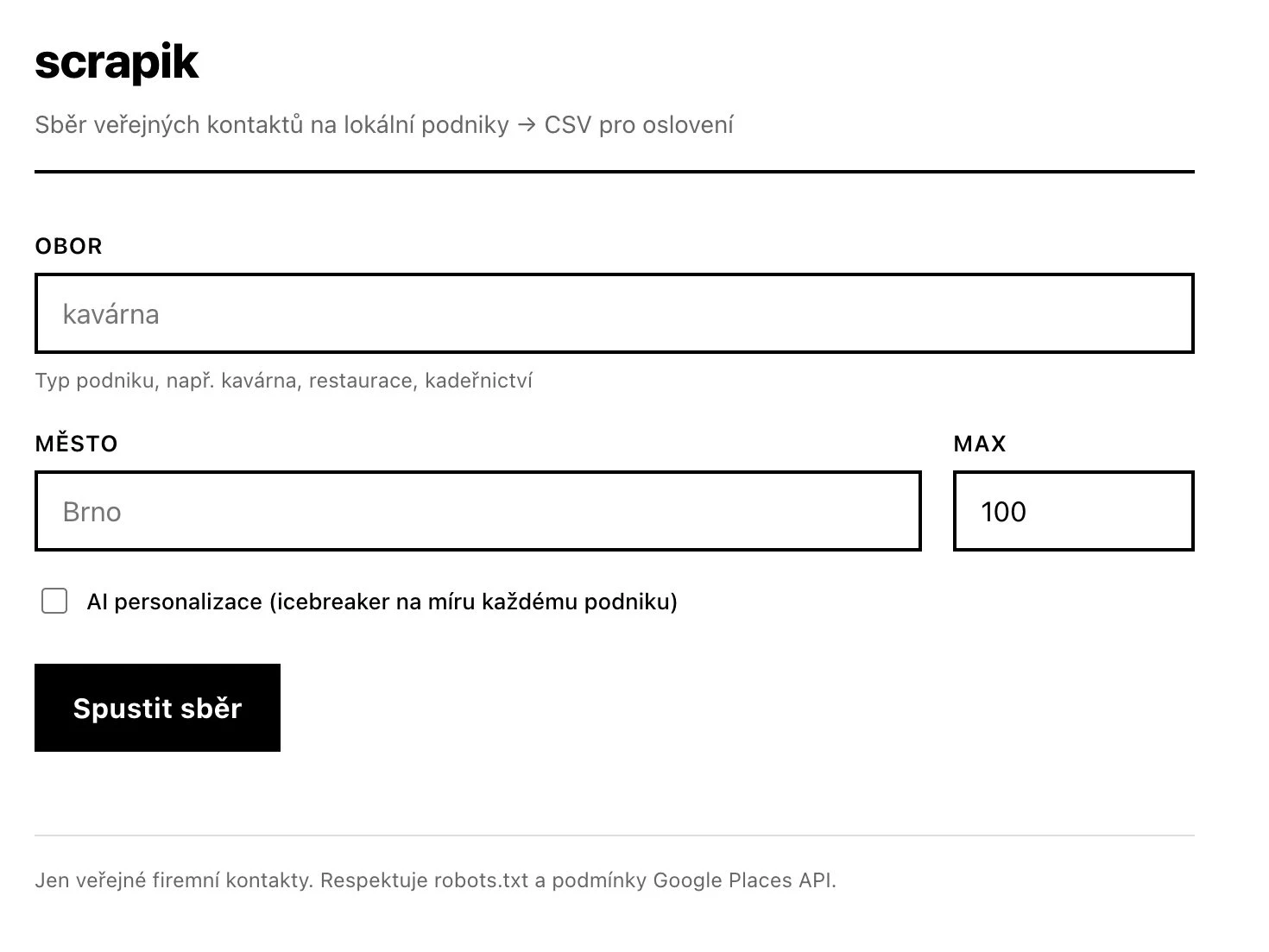 Scrapik: a clean contact list instead of hours of searchingPreparing and cleaning business contacts from public sources. Output to CSV or Notion.
 Layered: a website that sells the course and checks the guest inBooking with live capacity, payment and confirmation in one place.
How the work goes
Every stage has an output we agree on.
What flows where
We go through which data is moved by hand today, how often and by whom. That shows what is worth automating.
Output: A list of transfers worth automating.
Checking the interfaces
We find out what the other side allows. With older systems we verify before we promise anything.
Output: A check of what the other system allows.
Connection and rules
We set the data mapping, how often it runs and what happens on error. You try it on test data.
Output: The connection, tested on sample data.
Running and watching
We hand over access, documentation and source code to the extent we settle in the offer and the contract before the work starts. After deployment we watch the logs. The first weeks usually need changes to rules, not code.
Output: A running connection with a log of each run.
What we choose from
We do not start with technology. First we look at what people in your operation need to get done, who is involved in the process and where manual work piles up today. Only then do we propose the scope and pick tools by what the other side allows and where the connection has to run.
Three scopes we meet most often
The prices for each scope are indicative lower bounds from the calculator, excluding VAT. They are not an offer: we prepare an exact price once the brief is clear.
One connection
Two systems, one direction. For example orders into invoicing or contacts into CRM.
- Checking the interface
- Data mapping
- Scheduled runs and logs
Automating a process
Several steps in a row including e-mails and conditions. The most common scope.
- Designing the flow
- Connecting several services
- Conditions and exceptions
- Error handling and retries
Data flow across the company
More systems, two-way synchronisation, change history and oversight of the runs.
- Two-way synchronisation
- History and audit
- Monitoring and alerts
- Development after launch
We will say when you do not need us
You do it twice a year
When a task comes up a few times a year, automating it never pays back. It pays where it is hours every week.
A ready-made service can do it
Sometimes a connector tool you set up yourself is enough. When that is the case, we will help you with it.
The rules are not agreed
Automation needs a clear decision on what happens in edge cases. Without that we would only speed up the chaos.
What the connection leads to
What you ask before building a connection
Did not find your answer? Write to us and we will reply within two business days.
How much does a connection cost?
The price follows the number of systems, the quality of their interfaces and the number of exceptions. One connection is usually days, a flow across the company weeks. You get an estimate after the first call.
Can you connect an old system without an API?
Often yes, through file exports, the database or a scheduled transfer. We check first and say what is possible and with what limits.
How do we know something did not go through?
We set up logging and alerts to suit the type of connection. Where the system allows it, we also add retries of a failed run.
Do you use tools like Make or Zapier?
When the brief fits a ready-made tool, we recommend it, because it will be cheaper. We build custom for larger volumes, sensitive data or more complex rules.
How much data can it handle?
We build transfers in batches with rate limits matched to the other side. Volume is handled in the brief, not later in production.
Who owns the connection?
We agree it in the contract before the work starts: who owns the code, whose accounts the access and keys live on and what exactly we hand over.
Tell us what you retype by hand today
We work out whether automation pays off and give you scope and price. We reply within two business days and suggest the next step.