Alma Medical: a clinic website with its own admin and online booking
A website for a Brno clinic of plastic surgery, dermatology and neurostimulation. The clinic manages procedures, doctors and the price list itself, and patients book a mole check online. The site is finished and waiting for launch.
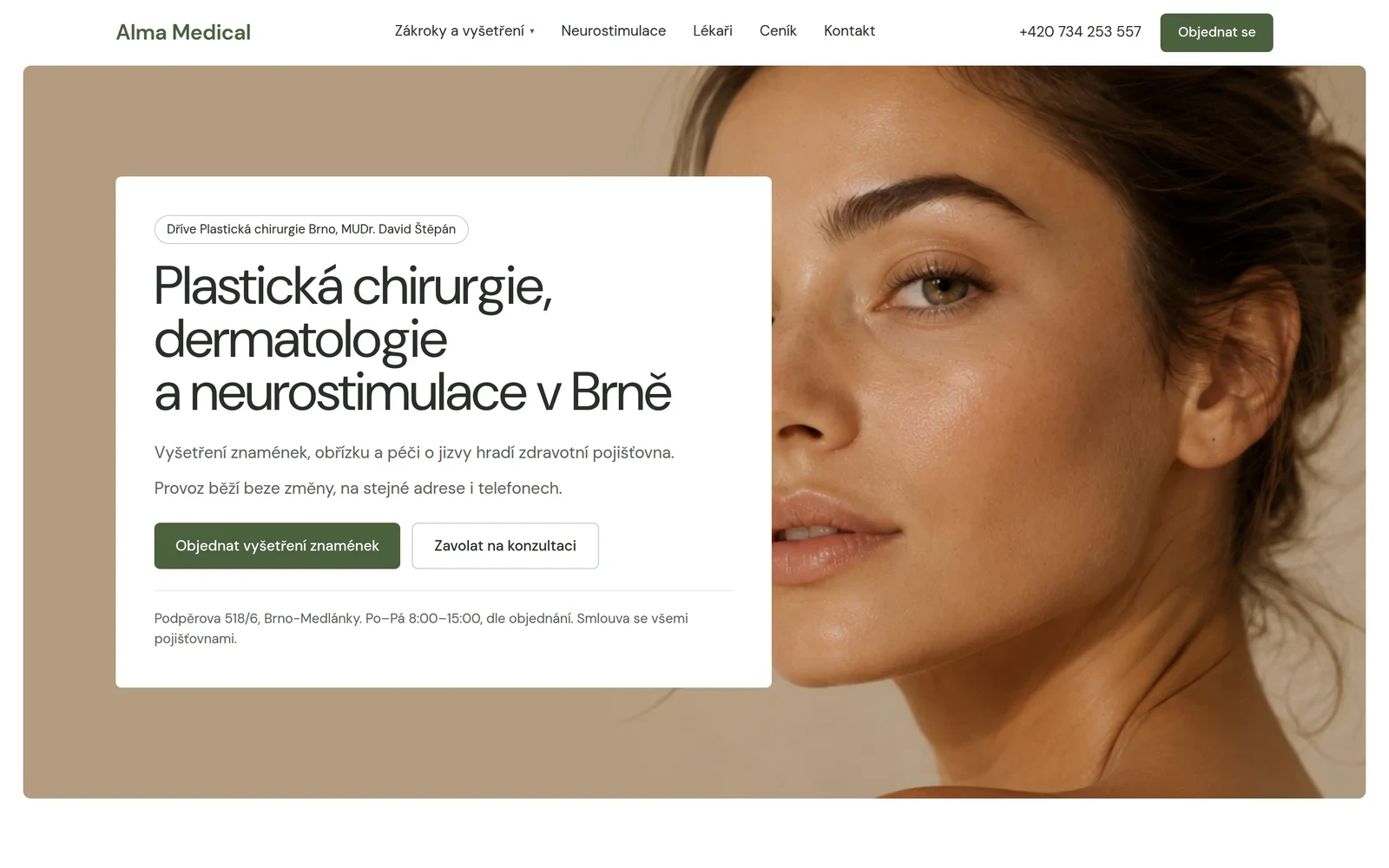
A price list that cannot wait for a developer
The clinic offers dozens of procedures, each with its own price and the doctor who performs it. Prices change, doctors come and go, copy gets tuned. A website with all that hard-wired in the code goes stale within a month.
So the brief was not only to build a website, but to build it so the clinic can keep it up itself. During development the clinic got a new name, Alma Medical, and a brand manual, and the site gained online booking for mole checks.
Six parts that keep the site current
A structure for procedures
Categories, individual procedures and their details. A patient finds a procedure by area or by name, not by the clinic’s internal structure.
Doctor profiles
Education, focus and the procedures the doctor performs. The procedure detail links to the doctor and back.
A price list by category
Price categories and items are managed by the clinic itself. A price change is an edit in the admin, not a task for a developer.
Content in Keystatic
Copy, images, FAQ, references and SEO descriptions. Editors are invited by e-mail and need no GitHub account.
Online booking
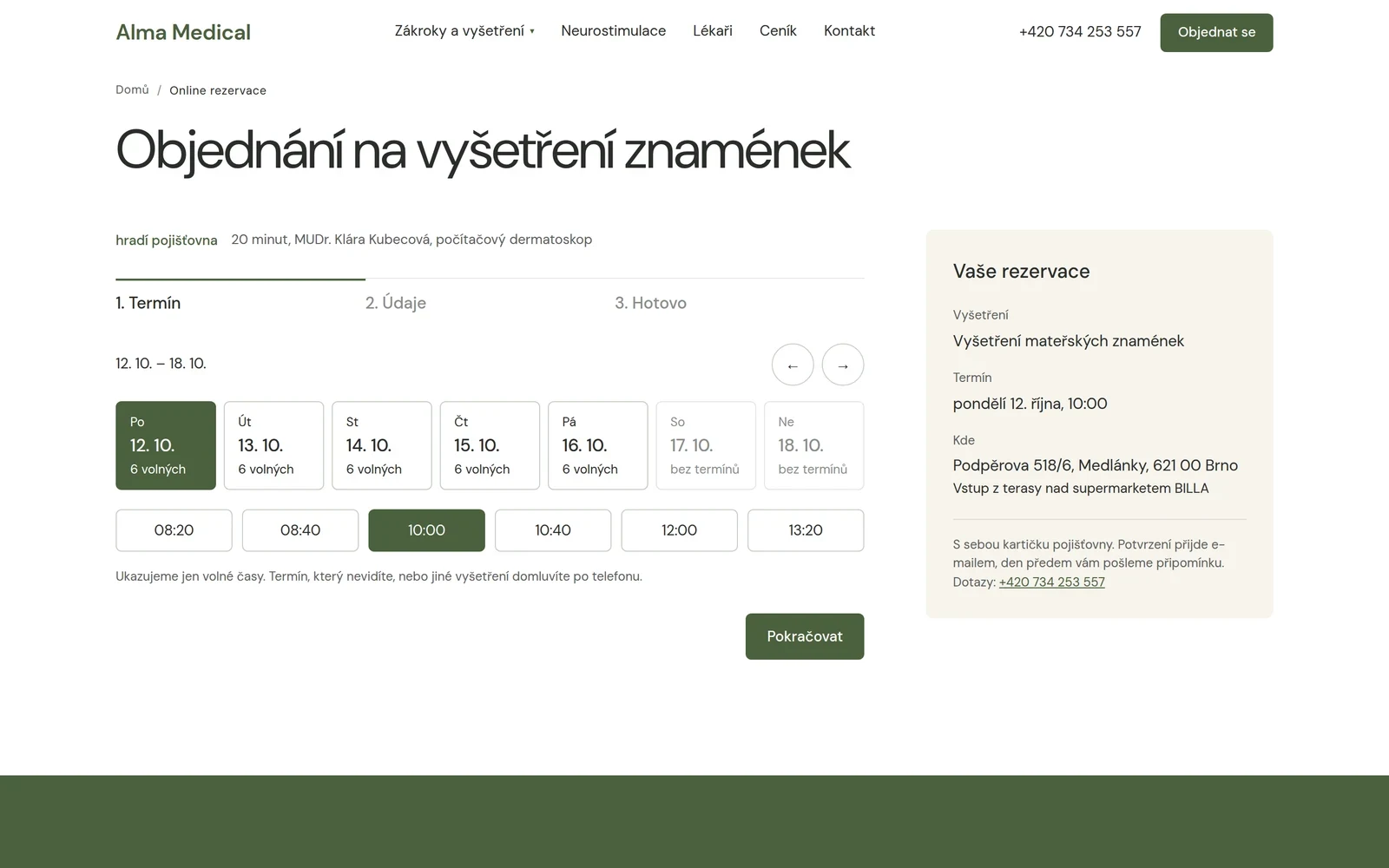
Booking a mole check in three steps. The site takes free slots from the clinic’s Google Calendar and sends the confirmation and a reminder by e-mail.
Speed as part of the brief
Pages are generated ahead of time, images are optimised at build time and there is a minimum of client-side JavaScript.
What the site does, screen by screen
Patients see two of the screens, the clinic sees two in the admin.
Online booking for mole checks
The patient picks a day and a time, fills in their details and is booked. The site works out free slots from the clinic’s Google Calendar: it offers only times inside the windows set aside for the web, in 20-minute steps, and any other event, such as a holiday, blocks the time. Before writing the booking the site checks again that the slot is free, so two patients never get the same time. A confirmation arrives by e-mail with a cancellation link, and a reminder the day before.
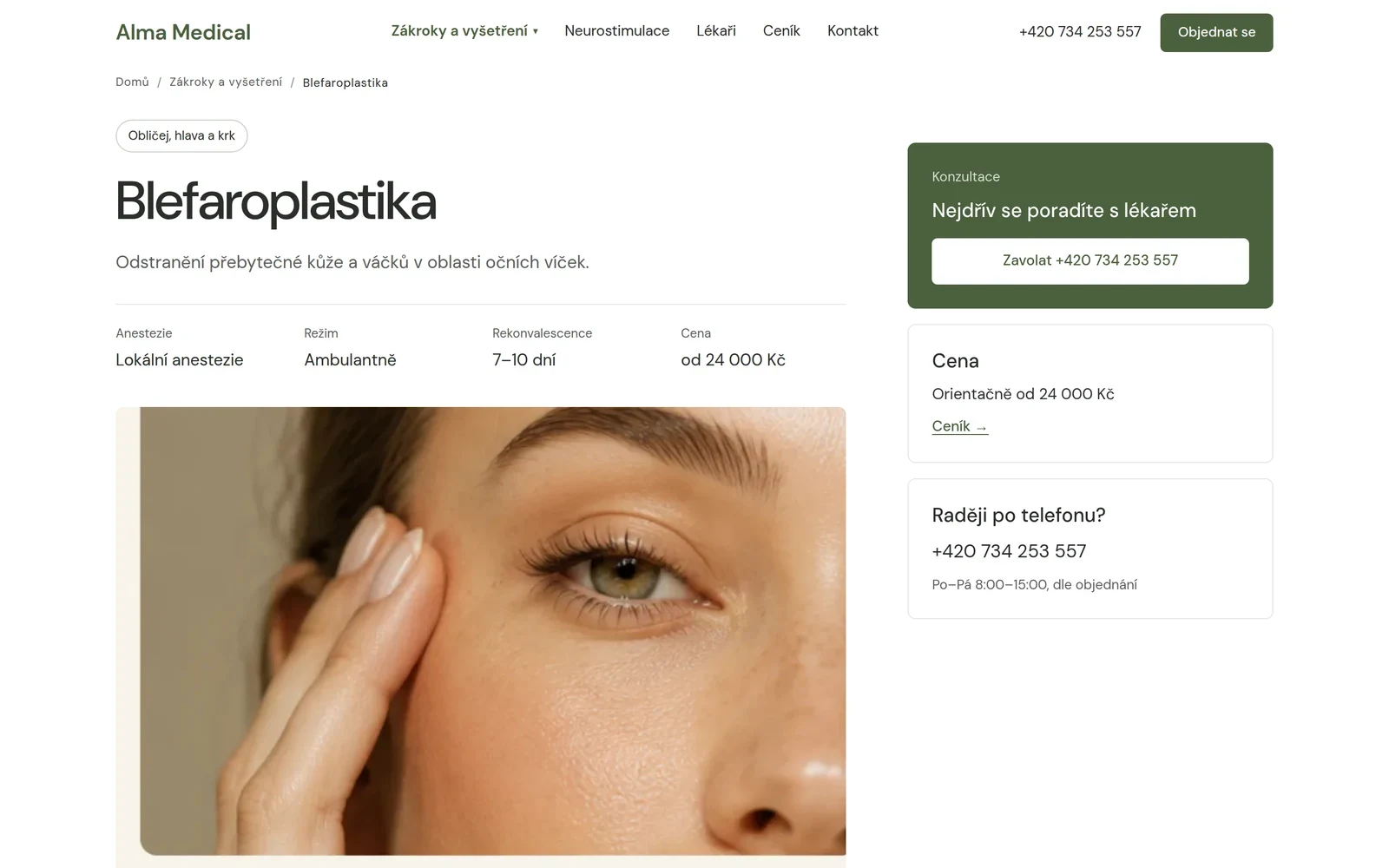
Procedure detail
Anaesthesia, setting, recovery and an indicative price right under the name. Next to them is the way to a consultation and the phone number, because for most procedures the decision starts with a conversation with a doctor.
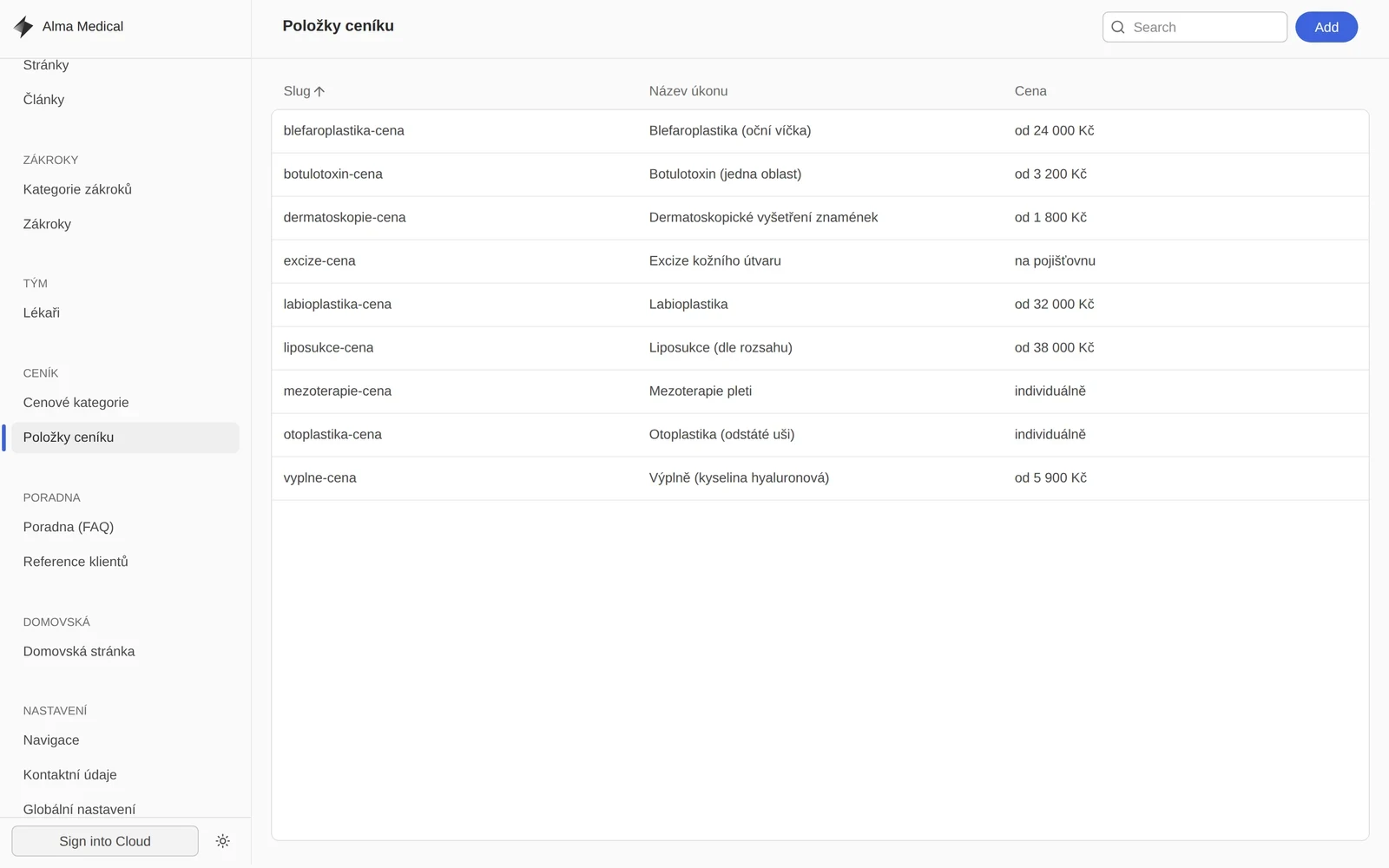
The price list in the admin
The clinic has its price items in Keystatic as a clear table. A price can be a number or text such as “on request” or “covered by insurance”. The change shows on the site after a short build.
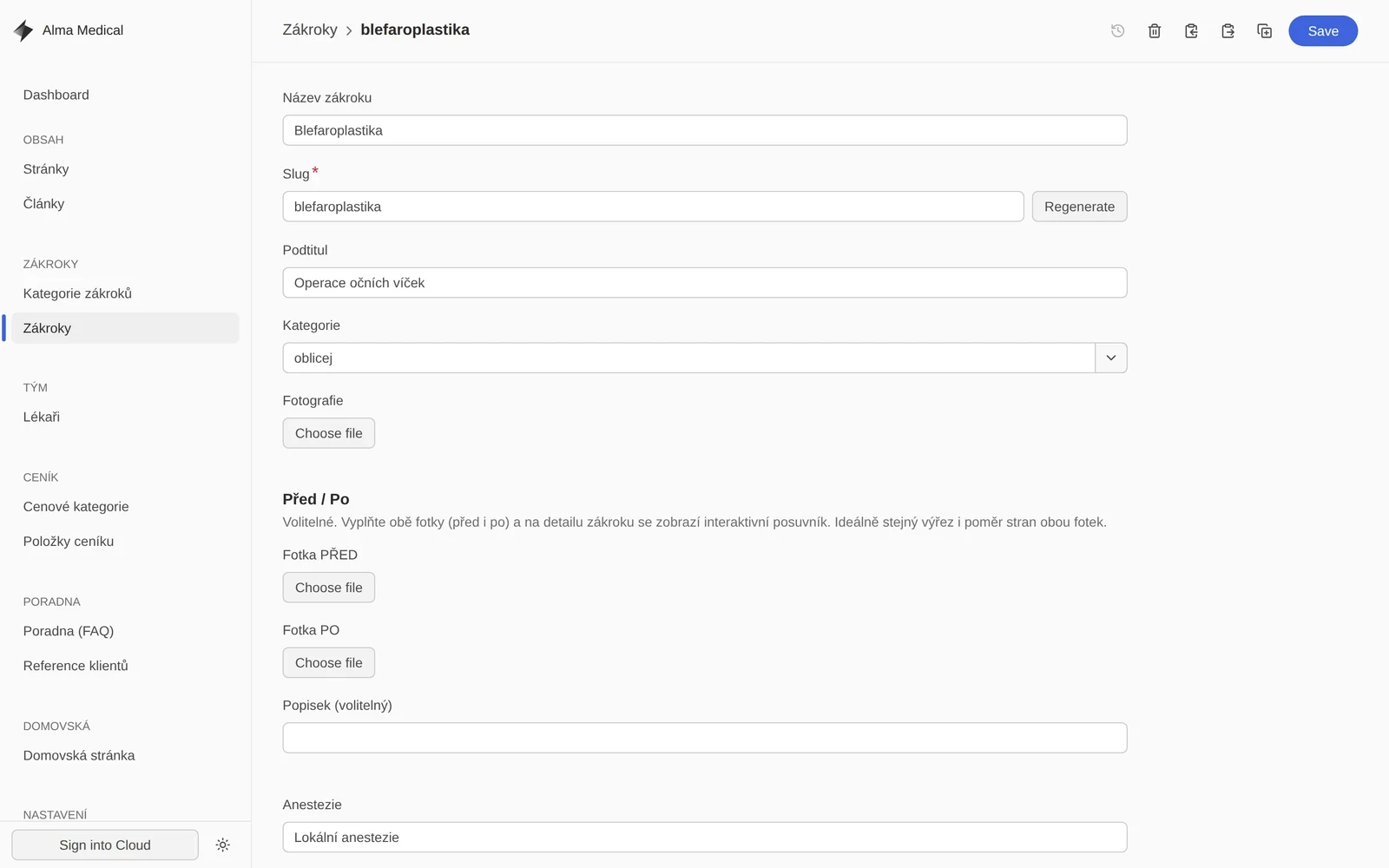
Editing a procedure
Every procedure has fixed fields: name, category, photo and details on anaesthesia and recovery. Optionally before and after photos, which the site turns into a slider. The editor fills in content and cannot break the page layout.
An admin with no GitHub account
The content is versioned in the repository, but the editor need not know that. Keystatic Cloud sends an invitation by e-mail and the clinic edits in a web interface: categories, procedures, doctors, price items, FAQ, references, articles and SEO descriptions.
After saving, a short build runs and the change is out. Layout and design stay in the code, so editing content cannot break the site.
Four stages, each with an outcome
Brief and structure
We went through what a patient needs to find before a consultation. That produced the structure of procedures, doctors and the price list.
Design and a new brand
The site started from a supplied prototype. When the clinic got its new name and brand manual, we moved the colours, typography and components of the whole site over to it.
Development, content and booking
Astro with static pages, a CMS schema shaped by the real content and online booking connected to the clinic’s calendar.
Handing over the admin
The clinic got access to Keystatic Cloud. We invite editors by e-mail; a change goes out after a short build.
Two decisions that keep the site current
Content in the clinic’s hands
Procedures, doctors and the price list are not in the code but in an admin with a fixed schema. The clinic changes prices itself and an editor still cannot break the page. The cost is a short build after every edit.
Bookings in the calendar the clinic already uses
Bookings have no database of their own. The site reads free windows from the clinic’s Google Calendar and writes new visits into it, so reception sees everything in one place and a holiday blocks slots on the site too. Only mole checks are booked online; other procedures start with a consultation with a doctor.
A static site, content in the cloud
Pages are generated ahead of time; the server side serves only the admin and bookings.
The scope of the solution
Working on something similar?
Tell us what you change through a developer today. We reply within two business days.
What else we built
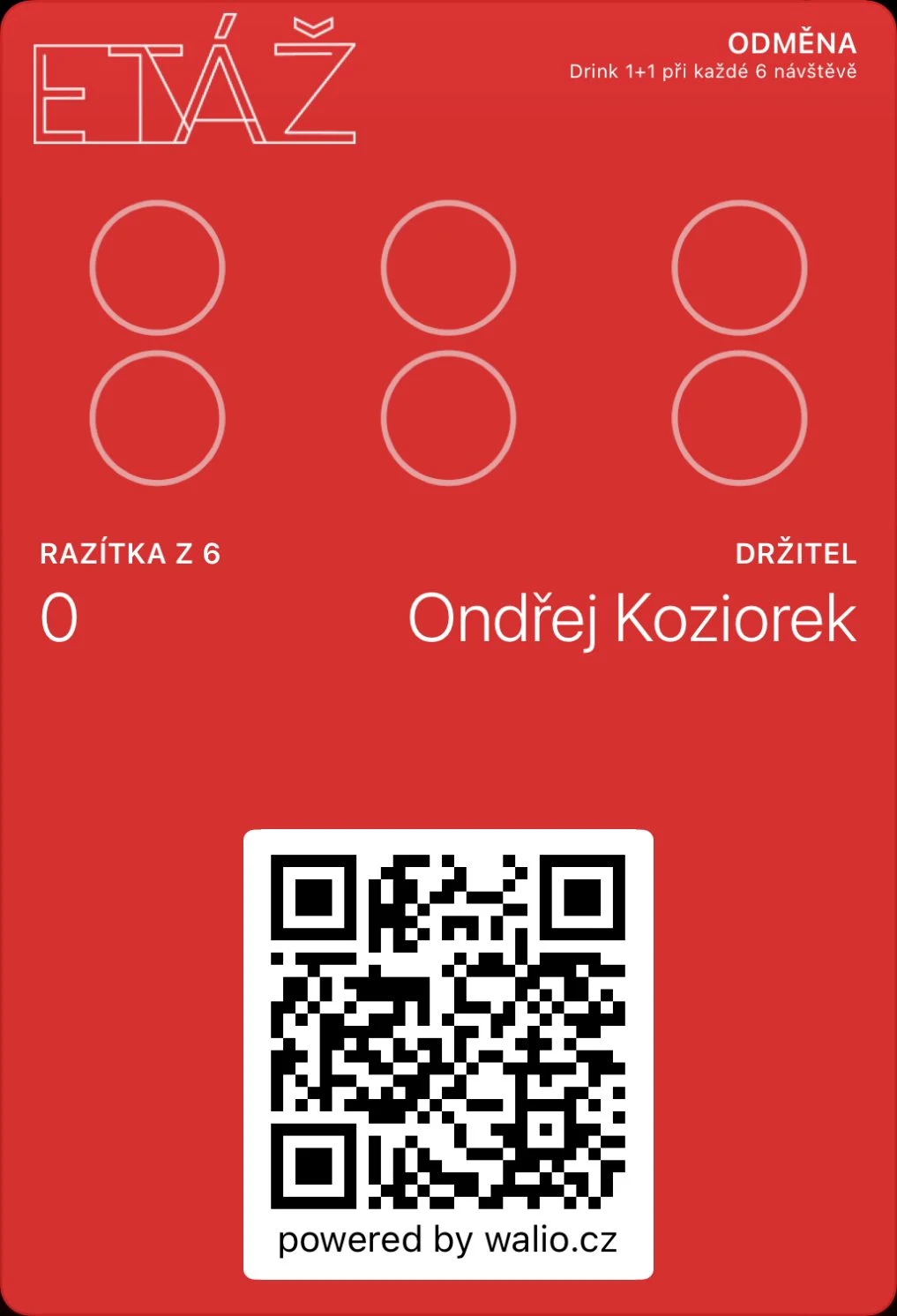 Walio: a loyalty system for businessesA card in the wallet, a terminal for staff and a portal with reporting.
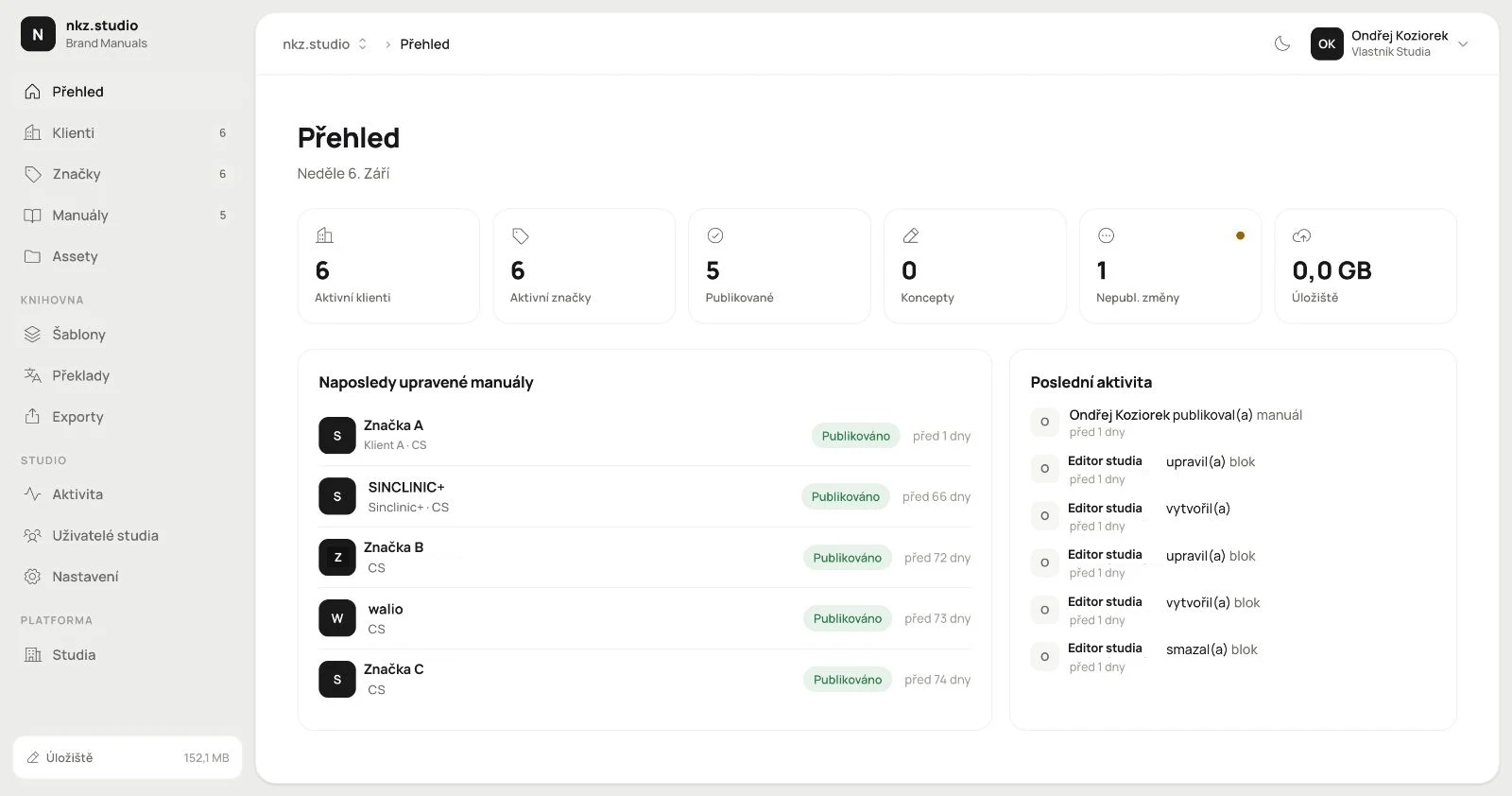 Branuál: a brand manual as a website, not a PDFPages, blocks and an asset library with publishing. Our own product.
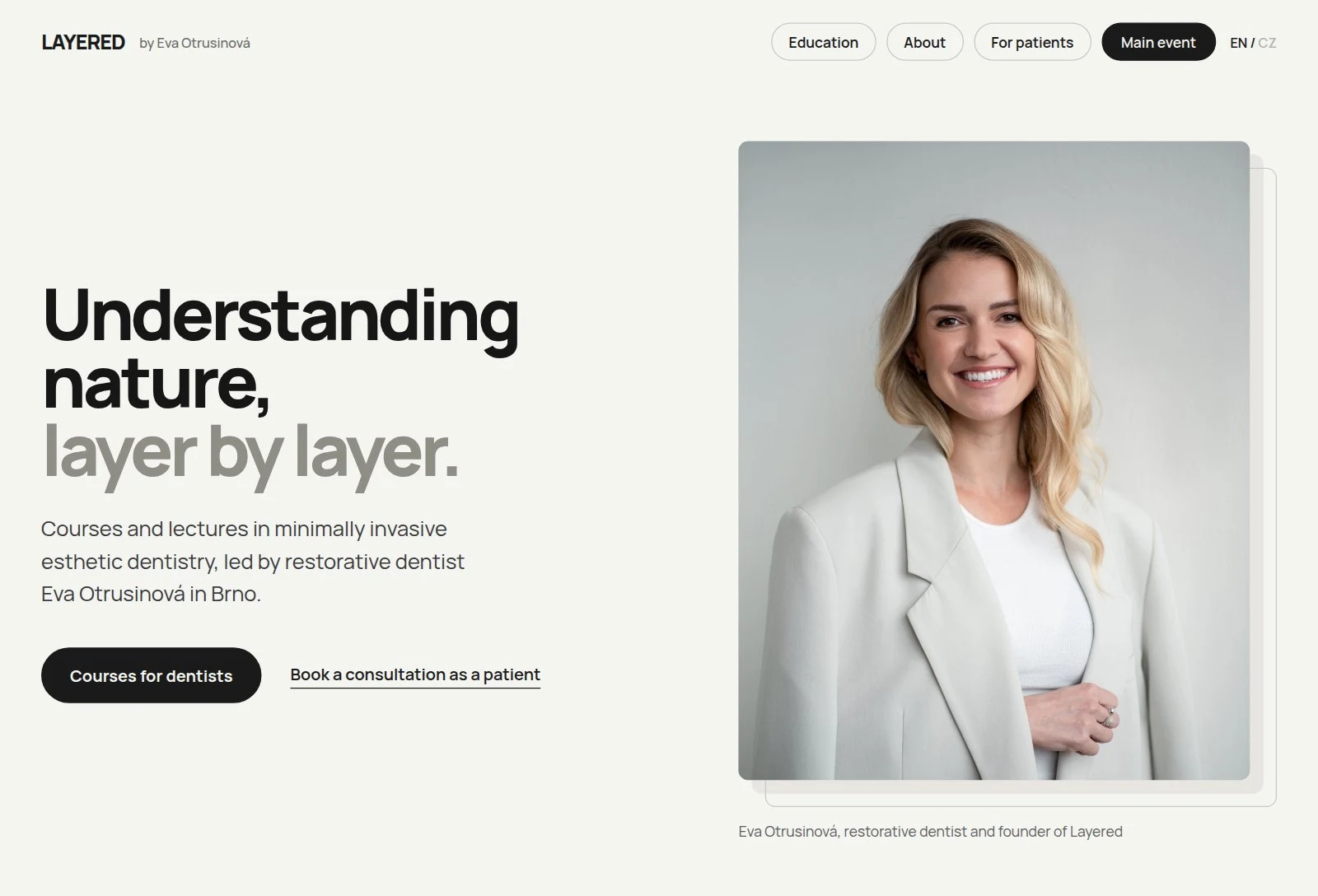 Layered: a website that sells the course and checks the guest inBooking with live capacity, payment and confirmation in one place.