Screeno: a booking system built to fit instead of an off-the-shelf one
A booking add-on for a screen printing studio. It replaced the features of an off-the-shelf system that did not match how the studio works, and used the website and cart the studio already had.

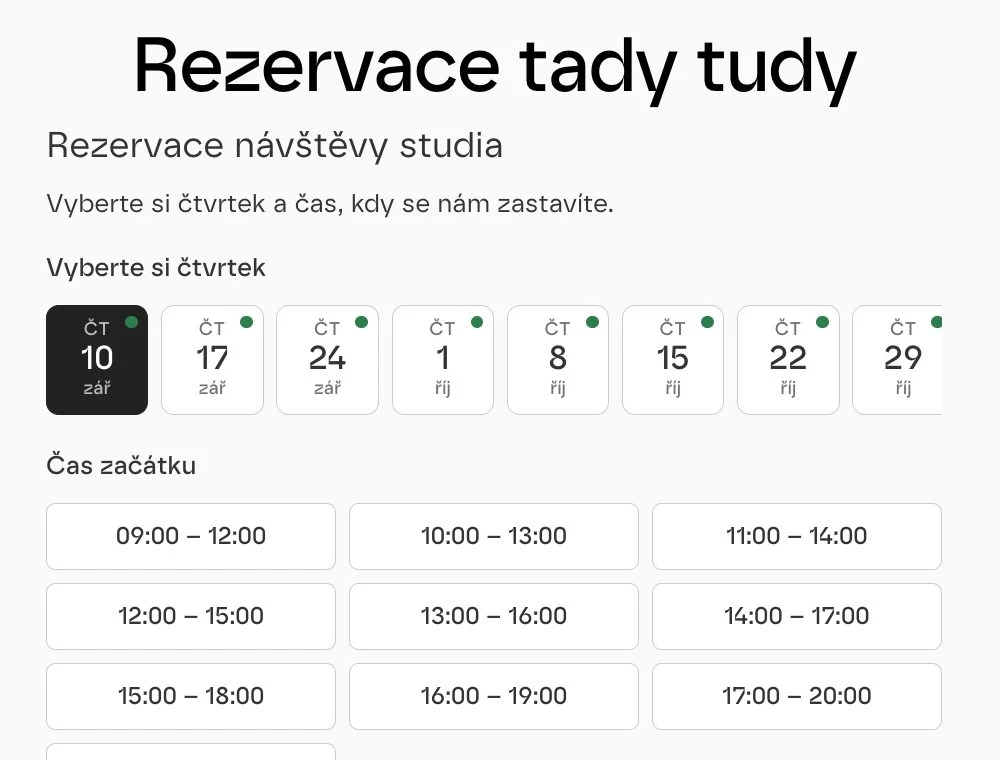
An off-the-shelf system that did not account for screen printing
The studio used a ready-made booking system on a monthly fee. The prepaid plans assumed a hairdresser or a surgery, not a print shop: there was no way to set up preparation time between jobs, the number of people at one table, or a workshop with limited capacity.
The brief was to stop paying for something the studio works around by hand. Bookings were to move into the site that already runs on WordPress, and payments to stay in the existing WooCommerce.
Six parts of one plugin
Studio visit bookings
The customer picks from the available slots the studio sets itself. No phone calls and no messages on Instagram.
Workshops with capacity
Workshop dates with a number of seats, a sign-up and a confirmation. When the seats sell out, the date closes itself.
Vouchers
Gift vouchers with their own code the customer redeems when booking. Selling and record-keeping run in one place.
Connected to WooCommerce
Payment goes through the existing cart, so the studio has orders, tax documents and reports where it is used to them.
E-mail reminders
A confirmation right after booking and a reminder before the date. A calendar attachment is included.
Management in the admin
An overview of bookings, slot occupancy and availability settings right inside WordPress, where the studio manages the site too.
Two decisions about operation and cost
Our own plugin instead of a monthly fee
One-off development instead of a monthly subscription. The studio manages content and dates in one place and sets the rules itself. The cost is that maintenance is on us, not on a system vendor.
Payments through the existing cart
Visits, workshops and vouchers all go through the WooCommerce the studio already uses to sell t-shirts. Orders, documents and reports stay together.
Four stages shaped by the shop floor
Leaving the off-the-shelf system
We went through what the studio actually used from the paid system. It turned out half the work happened outside it.
A brief from real operation
We described the real workflow: how long a visit takes, preparation between jobs, table capacity and what the customer should know in advance.
A plugin, not a new site
The WordPress site stayed. Bookings arrived as an extension that uses the existing look and cart.
Extending to workshops
After launch we added workshops and vouchers, because until then both were handled by hand.
WordPress, the way the studio knows it
The plugin uses what the site already has and adds no further system to maintain.
The scope of the solution
Working on something similar?
Tell us what your current system cannot do. We reply within two business days.
What else we built

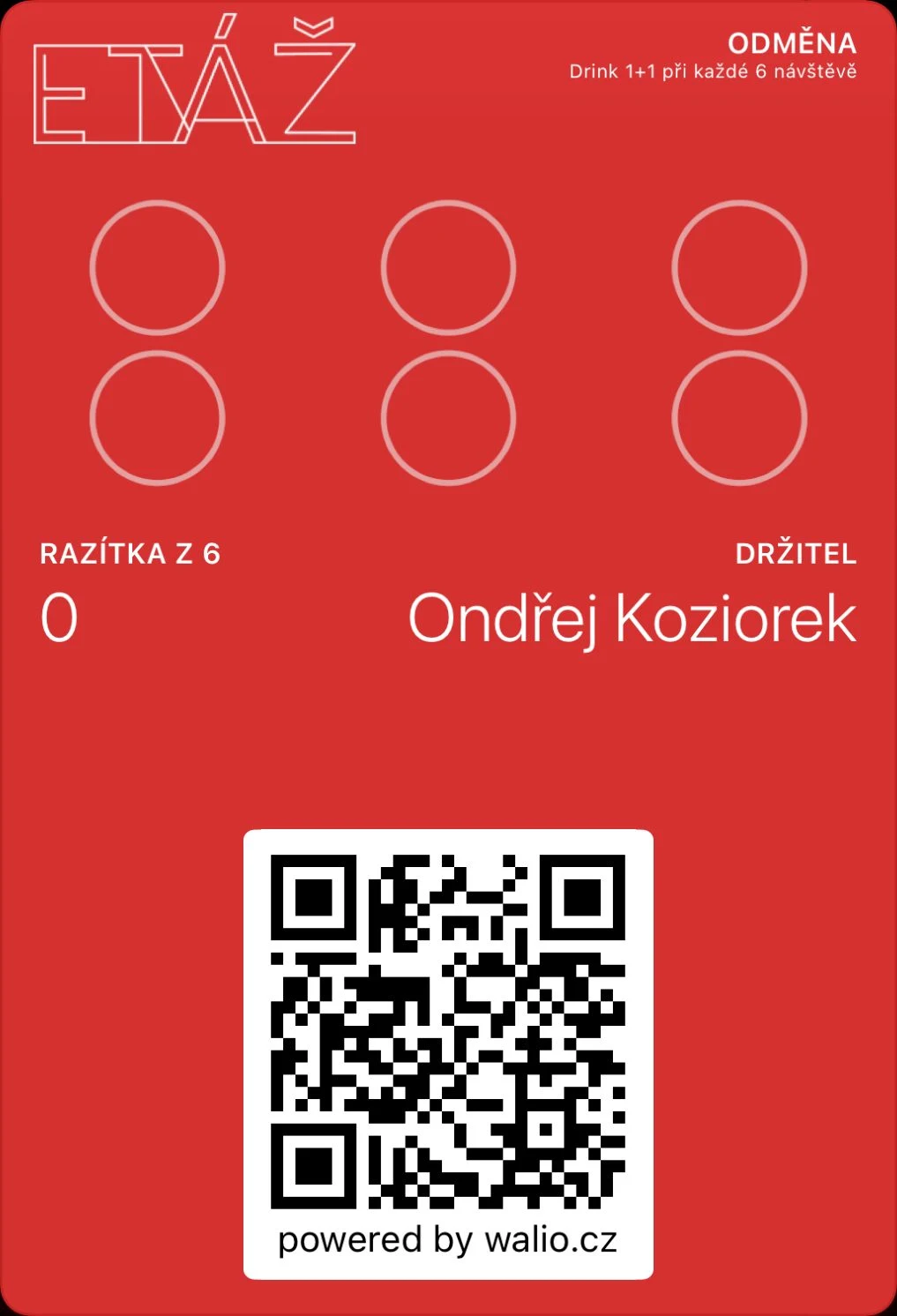 Walio: a loyalty system for businessesA card in the wallet, a terminal for staff and a portal with reporting.
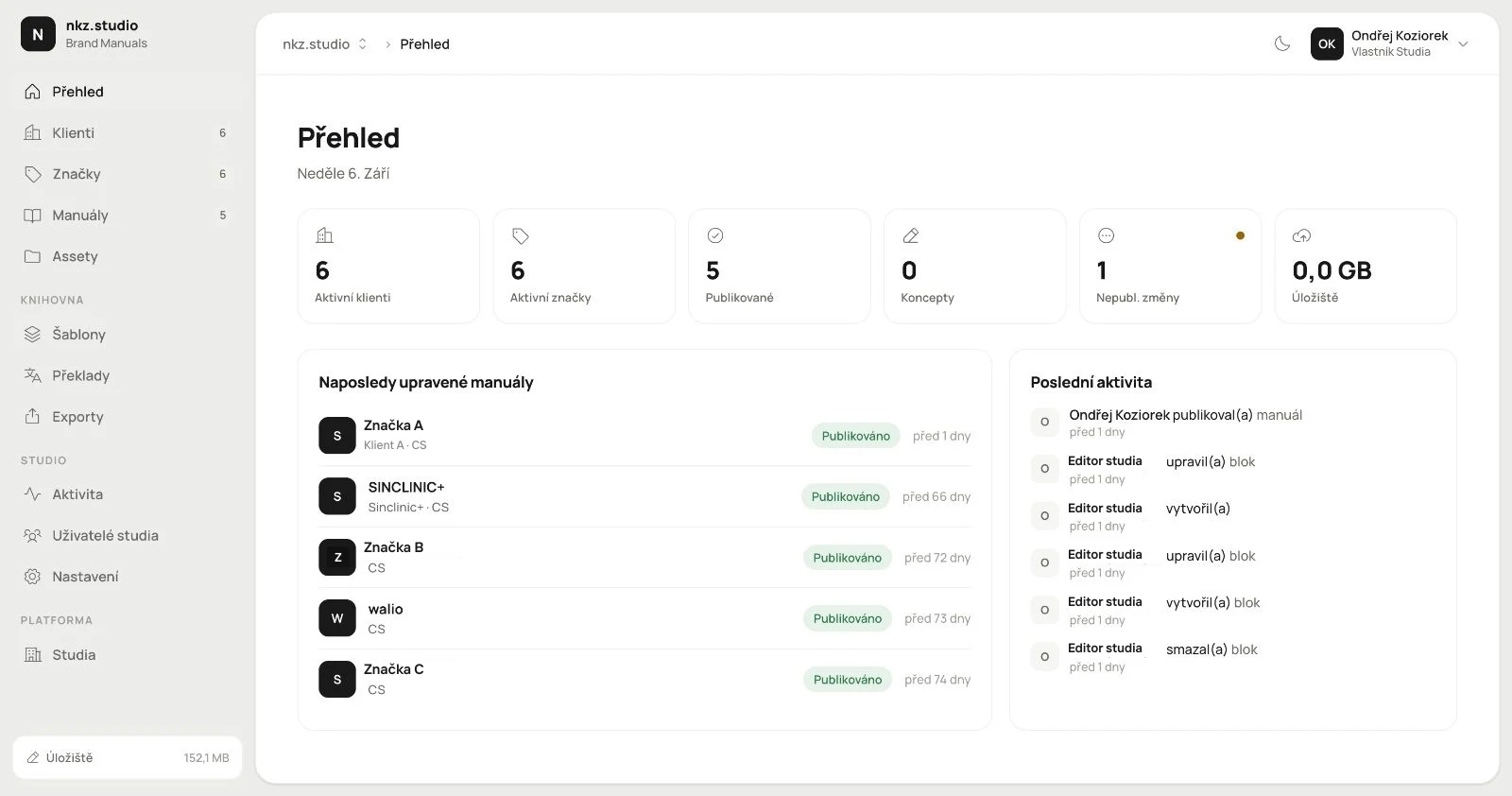 Branuál: a brand manual as a website, not a PDFPages, blocks and an asset library with publishing. Our own product.
 Layered: a website that sells the course and checks the guest inBooking with live capacity, payment and confirmation in one place.