WCRM: leads and tasks instead of spreadsheets
An internal CRM for the Walio sales team, currently in development. It is meant to bring together leads from Scrapik, planning the next step and the sales person’s work on the computer and on the phone.

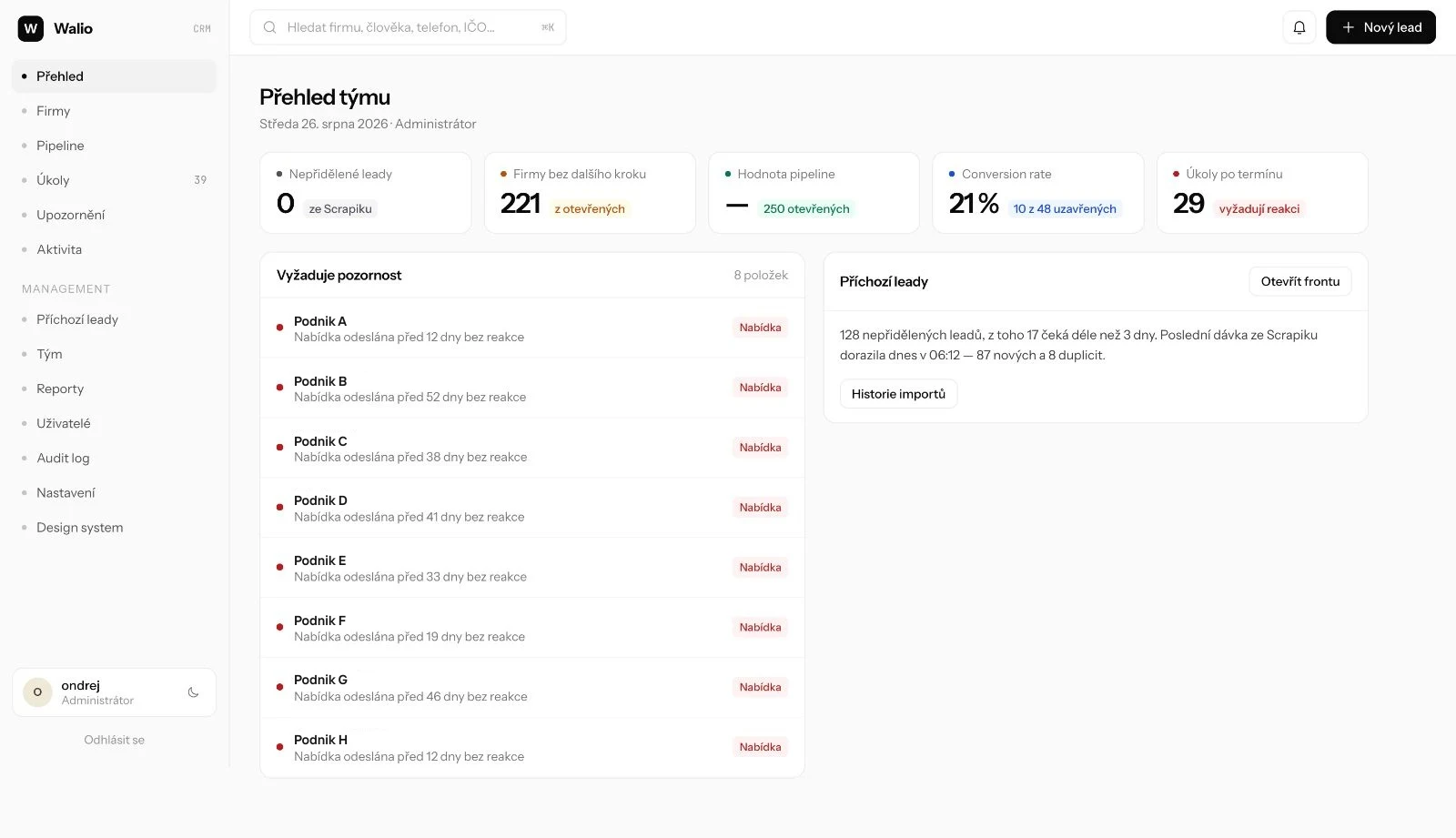
Leads in a spreadsheet and in someone’s head
We sell Walio to local venues. Scrapik collects the contacts, but a batch of companies solves nothing on its own: someone has to decide who to call, when, and what happened last time. We ran it in a spreadsheet and after a few hundred records that stopped working.
Ready-made CRMs handle that part, but none could take batches from Scrapik without overwriting work in progress. So we wrote our own.
Six parts of one application
The design and the data model are finished for every part. Screens are being connected to the database step by step; the import from Scrapik is still in progress.
Lead import from Scrapik
A batch of companies from Google Places and public registers is meant to arrive in the CRM, pass a duplicate check and be split between sales people. The connection is being prepared.
The sales person’s day list
The Today screen holds the planned steps. Every record has a next step, so nothing falls between calls.
Pipeline in two views
The kanban answers where things stand. The table answers what closes by the end of the month and what it is worth.
Company and contact detail
The company is the main entity, the contact has its own screen with history. I call a person, I want their history, not the whole company’s.
The sales person’s mobile app
Below 900 pixels four tabs render: Today, Companies, Search, Me. Work in the field without a shrunken desktop.
Roles without disabled buttons
Sales, manager and admin see different screens. An element the user has no right to simply is not in the interface.
Three decisions about the interface
Contacts are not in the navigation but have their own screen
The company is the main entity, so a list of thousands of people would be a dead screen. A specific person is found by search. But the contact detail is a real workflow: I am calling them and I want their history.
Opportunities are a toggle, not a second navigation item
The kanban answers “where do things stand”, the table answers “what closes by the end of the month”. They are two views of the same data; two navigation items would force people to think about where to click.
Permissions are not locked, they simply do not render
No greyed-out button and no message about a missing right. On someone else’s company the sales person sees a limited preview and one action: request assignment. The application reads the role from the database, not from its own state.
Four stages
Working in spreadsheets
We kept leads in a spreadsheet and in our heads. Nobody saw who called whom and what should happen next.
Interface design
First came a design handoff for desktop and mobile: screens, states, tokens for colours, radii and heights.
Database and sign-in
A schema in Supabase with permissions enforced at the database level. An account waits for admin approval; on its own it opens nothing.
Connecting the screens
The interface still reads sample data. We are replacing it with database queries, starting with the lists and the detail.
What holds in the CRM even when you cannot see it
These rules are not interface details. If they stopped holding, the application would start losing work in progress.
An import does not overwrite work
A new batch updates only factual details about the venue. Owner, status, notes, tasks and history stay.
A discarded lead does not come back
The quality judgement is kept, so a manually discarded company does not return in the next batch as new.
Logging an activity is not a plan
An activity goes into history, a step into the future. After logging, planning the next step is offered; it can also be skipped.
Foreign data shows its source
Scrapik, Google Places or a public register. Such a value cannot be edited by hand.
Duplicates also by person’s name
The check looks at the company name, company number, e-mail, phone, domain and the person’s name. When it reports a match, the salesperson can still create the lead, because a match is not always a duplicate.
Taking over is not assigning
A free lead the salesperson takes straight away. For a company a colleague already owns, they have to ask, and the request goes to the colleague and the manager.
The database enforces permissions
Permissions are enforced by the database, not by the interface. Colours, radii and heights are held by our own tokens.
What the application is made of
The database runs, the screens are being connected
The application has real sign-in and a real database schema including permissions. The screens, however, still read sample data, so a change of owner or stage does not survive a page reload.
We are replacing that with database queries step by step. The lists need paging, filters and sorting on the server, because there are thousands of records. The import from Scrapik will run on the server and the interface will only read the result.
Working on something similar?
Tell us how you track sales today. We reply within two business days.
What else we built

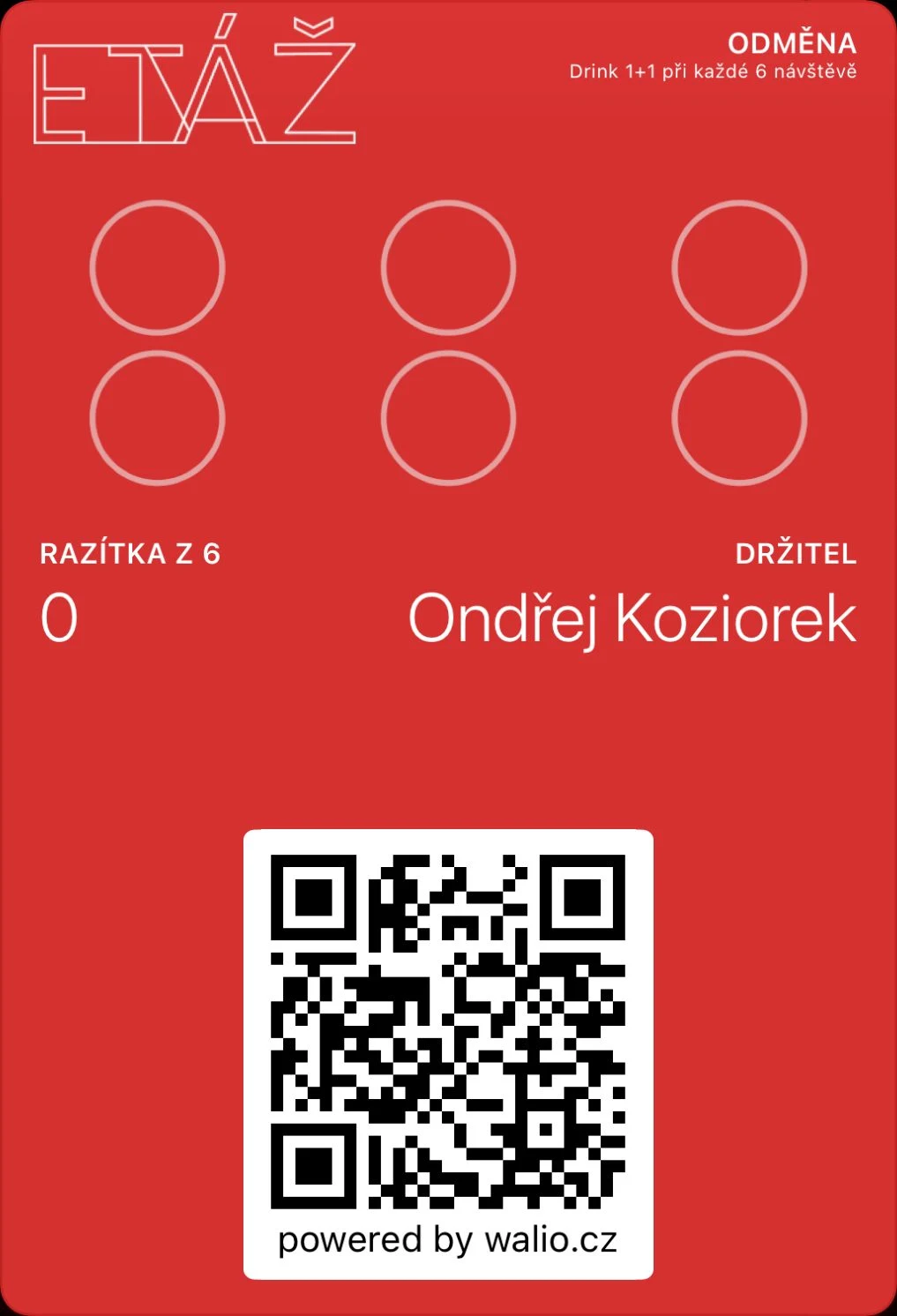 Walio: a loyalty system for businessesA card in the wallet, a terminal for staff and a portal with reporting.
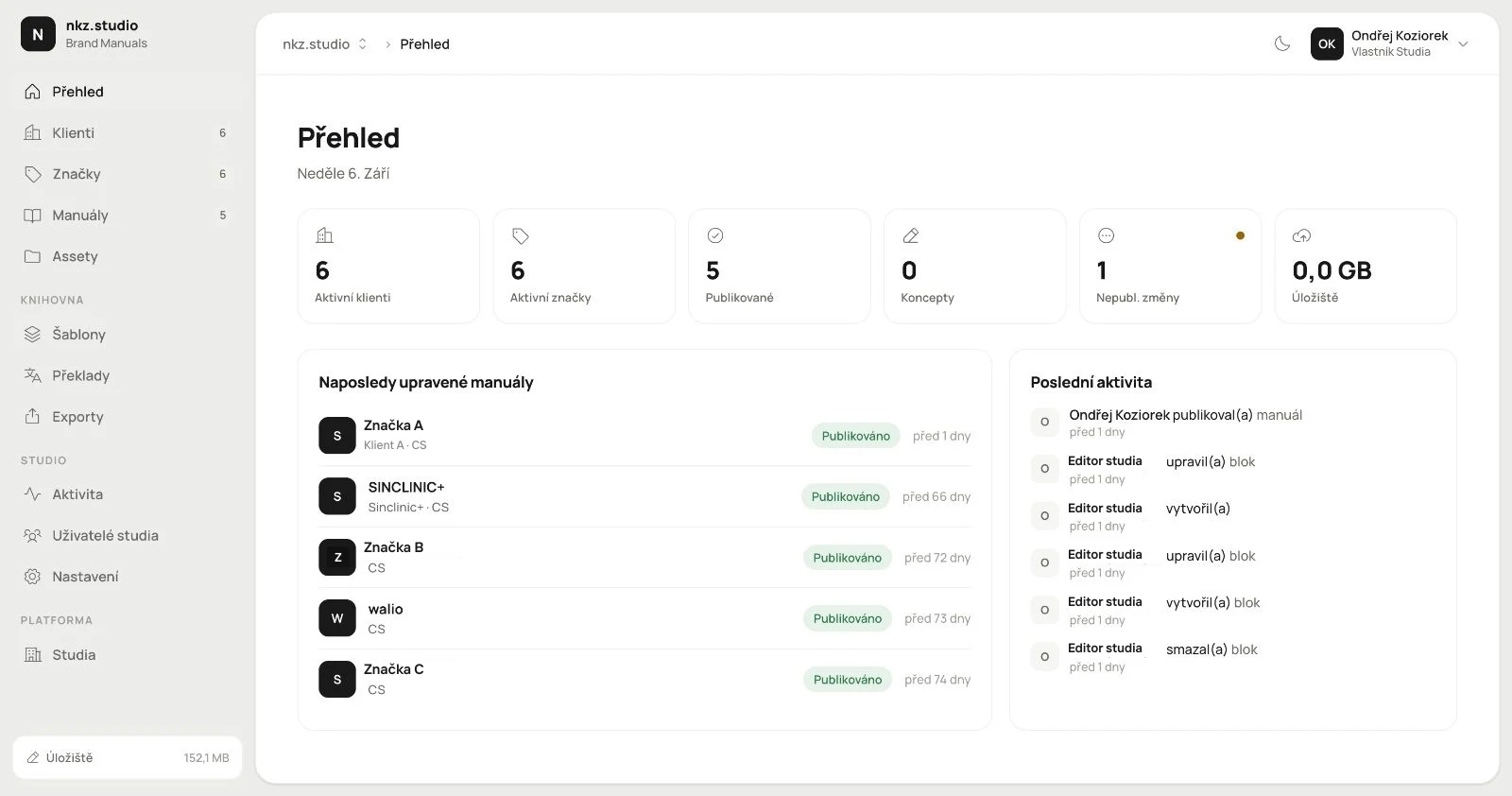 Branuál: a brand manual as a website, not a PDFPages, blocks and an asset library with publishing. Our own product.
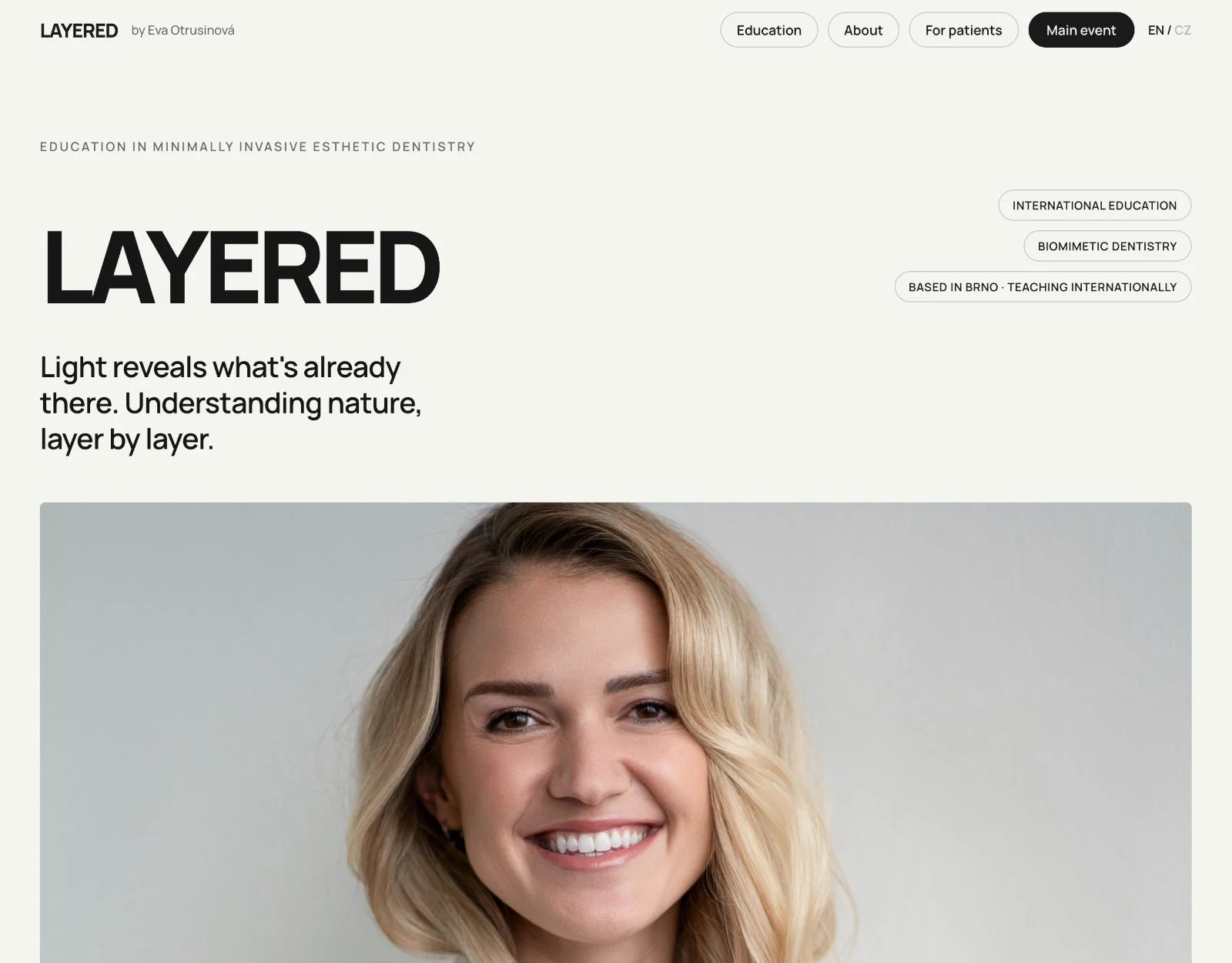 Layered: a website that sells the course and checks the guest inBooking with live capacity, payment and confirmation in one place.