Signs that a portal starts to make sense
A portal does not start with technology. It starts with the questions your customers or partners keep asking. When the same question comes up every week and the answer already sits in your system, spreadsheet or folder, that is the first sign they could find it themselves.
- The same questions by email and phone. “Where is my order?”, “When will it be ready?”, “Can you send me that invoice?”
- Documents sent again and again. Contracts, invoices, source files, logos.
- The job has stages the customer cares about. Received, in production, waiting for approval, shipped. If you track the stage but the customer only learns it by calling, there is room for a portal.
- A partner needs to set something up on their own. Adjust a price list, rewards, dates or rules. If every such change has to go through your team, you become the bottleneck in their business.
- Bookings and dates are arranged by hand.
When email or an off-the-shelf tool is enough
A portal is not the only answer to repeated questions. Often it is enough for the information to go out on its own at the right moment, or to use a tool that already exists. A custom portal makes sense where the customer needs to come back to the information, or needs to work with it.
| Situation | What is usually enough |
|---|---|
| The customer needs one confirmation or receipt after a purchase | An automatic email with the receipt, no account |
| The job status changes two or three times and the customer only waits for “done” | An automatic message when the status changes |
| You share documents with a few long-term clients | A shared folder or a tool you already use |
| Standard bookings: a date, a service, a reminder | An off-the-shelf booking system |
| The customer keeps coming back to history, documents and statuses | A portal starts to make sense |
| A partner sets their own rules, prices or content | A portal with roles and permissions |
Layered is a good example. A participant picks a course date, pays and receives a receipt and a ticket in their mobile wallet. The one who needs an overview of participants without retyping is mainly the organiser. What mattered was that payments, invoices and tickets are created automatically. We cover off-the-shelf booking systems and their limits in Booking system: off the shelf, add-on or custom?
What our projects show
Walio: a portal for businesses that run the programme themselves
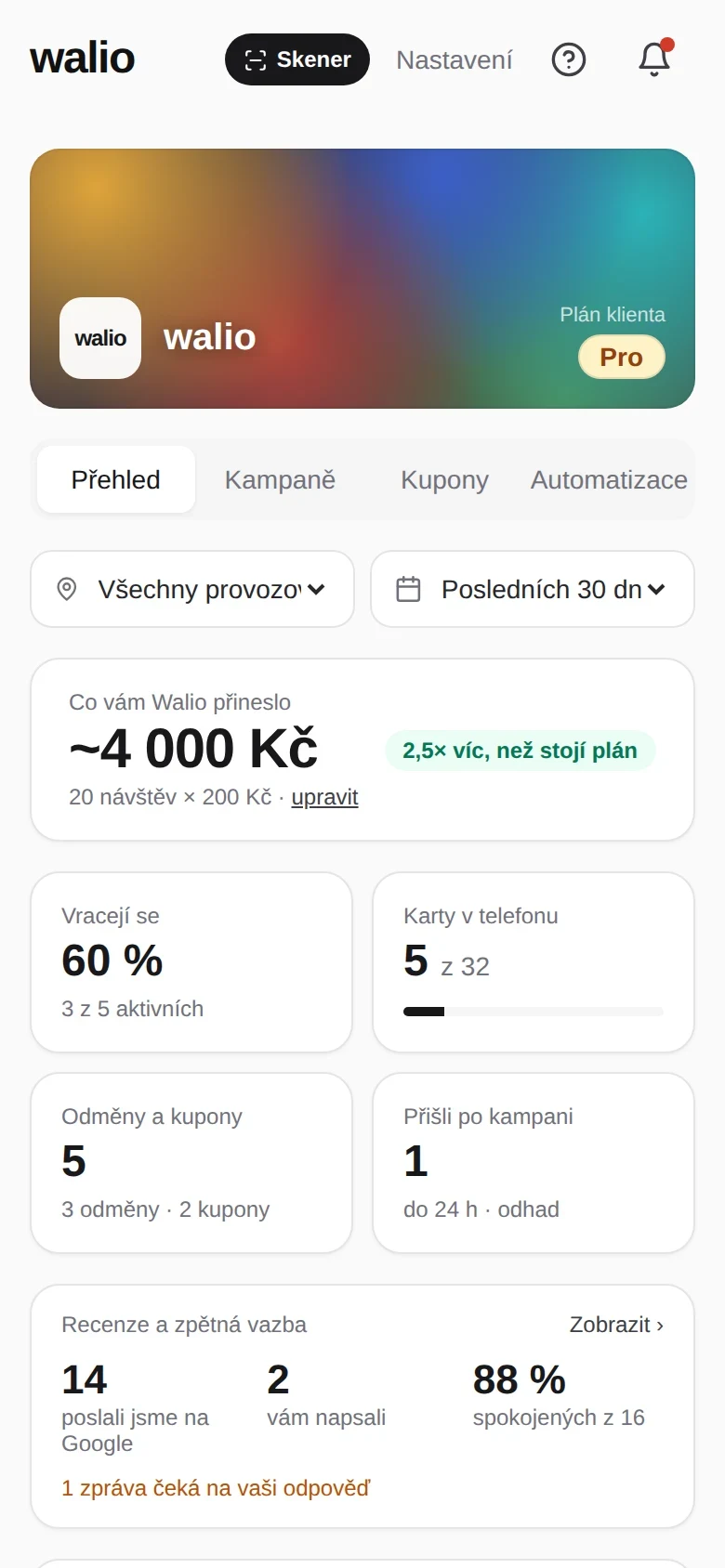
In Walio, our loyalty system, the venue owner has a portal with a programme overview, reward management, transaction history and rule settings. They make changes themselves, without a developer. The customer list can be exported to CSV. Access is split by role, so the staff behind the bar only see the scanner.
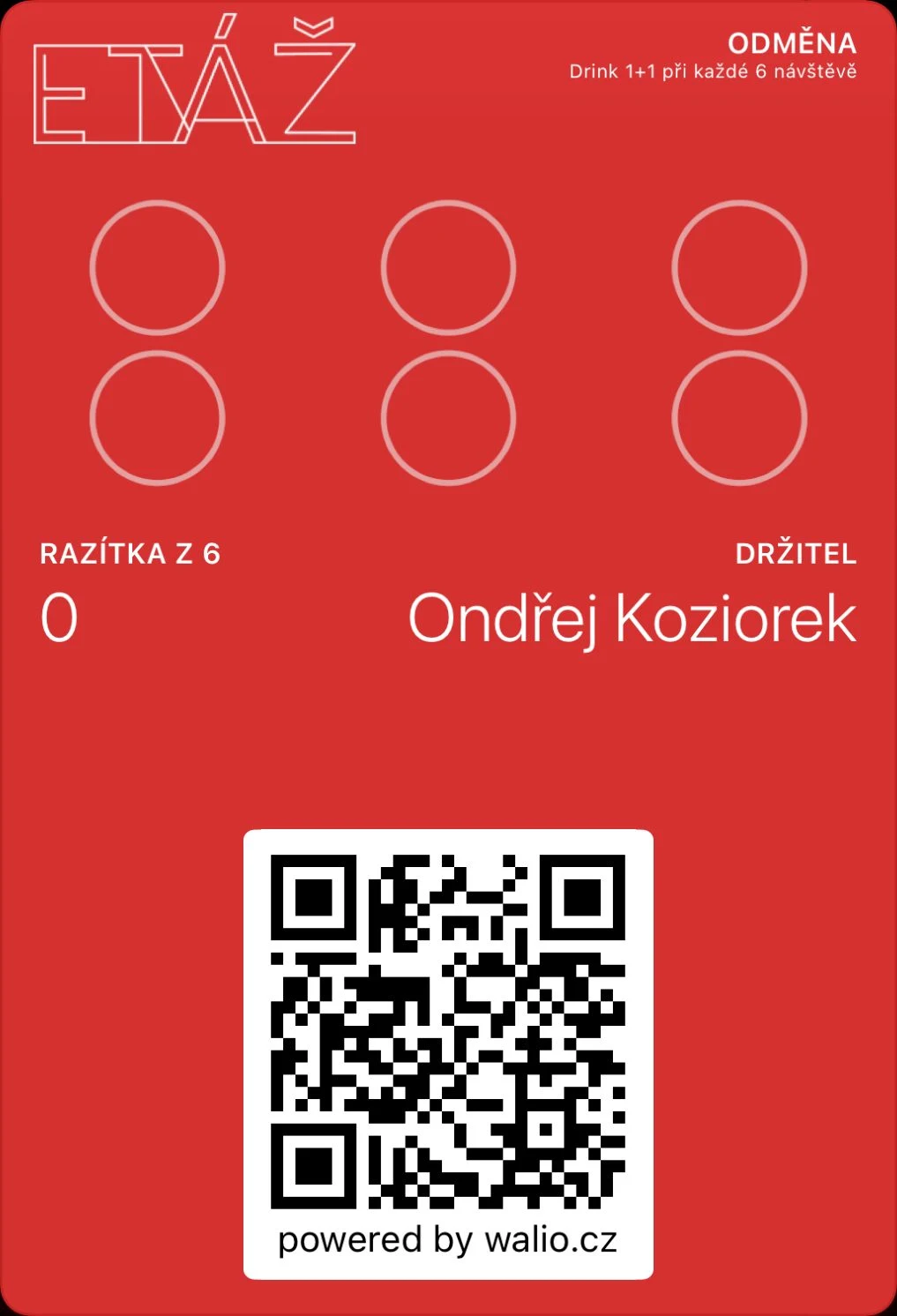
It also shows that a portal does not have to carry everything. The monthly report reaches the owner by email, and the venue’s customers never log in to a portal: the card lives on their phone and the booking page works without signing in.

Branuál: sometimes a link and read access are enough
Branuál came about because brand manuals delivered as PDFs stopped being used soon after handover. Clients kept asking for logos and several versions circulated inside the company. A published manual has its own link: whoever receives it sees the latest published version and downloads logos, fonts and images on their own. The studio manages the content, the client has read access.
That model works for customer portals too: the draft is visible only internally and only the finished version goes out. The customer never works with a half-done document and you do not have to track who has already seen what.
What needs deciding up front
The screens themselves tend to be the smaller part of the work. The decisions around them usually take longer. These four questions are the first we go through with clients, because they affect scope and price the most.
Signing in
Does the customer need to sign in at all? If they only see their own confirmation or a public document, a link is often enough. If they see order history, invoices or personal data, they need an account. Then you have to decide who creates accounts, how a forgotten password is reset and what happens when a person leaves the customer’s company.
Roles
Who uses the portal? The customer, their colleague, your sales rep, management. Every extra role means another set of permissions and often different screens. In our internal CRM WCRM, which is still in development, the sales rep, the manager and the admin each see different screens, and an element the user has no right to use is not in the interface at all.
What the customer may change
A read-only portal is much simpler than one where the customer places orders, moves dates or uploads files. Every change from the customer needs rules: what may be changed and until when, who approves it on your side and how you find out.
Connection to your internal system
Where does the data in the portal come from? If you keep statuses and documents in another system, the portal has to take them from there, otherwise someone will retype them by hand and the problem just moves. It matters to be clear about where the truth about a job is created. Whether and how the connection can be built depends on the interface of the specific system; we check that as part of an integration.
How to start with a small version
A common and costly mistake is to build a portal with everything that might come in handy, then find out customers use one screen. So we start with the most frequent question you want to stop answering by hand.
- One group of users, usually customers. Add partners and other roles once the basics prove themselves.
- One main view: the job status and its documents, or a list of bookings.
- Read-only first. Changes from the customer come once you know what rules they need.
- Data flows one way, from your system into the portal, with nothing written back.
That is how our own products came about too. The first version of Walio ran live and we watched where the staff hesitated. We built Branuál in six phases, and each one was usable on its own.
For orientation: with custom applications, a first version with one role and one main workflow starts at around 53,000 CZK, and a customer portal with registration, notifications and payments from 122,000 CZK. One connection to another system starts from 18,000 CZK. These are lower bounds from the calculator, excluding VAT, not a quote. What makes up the price is covered in How much does a custom application cost?
How to decide
Write down the questions that repeated over the past month and estimate how long each took. Then decide for each one whether an automatic message would do, an off-the-shelf tool, or whether the customer needs to come back to the information. If most questions land in the last group and you already keep the data somewhere, a portal has a good reason to exist.
You can estimate the scope in the calculator. If you want to go through your specific situation, a 30-minute consultation is enough. You do not need a technical brief: just describe what your customers keep asking, and get in touch through Discuss a project.